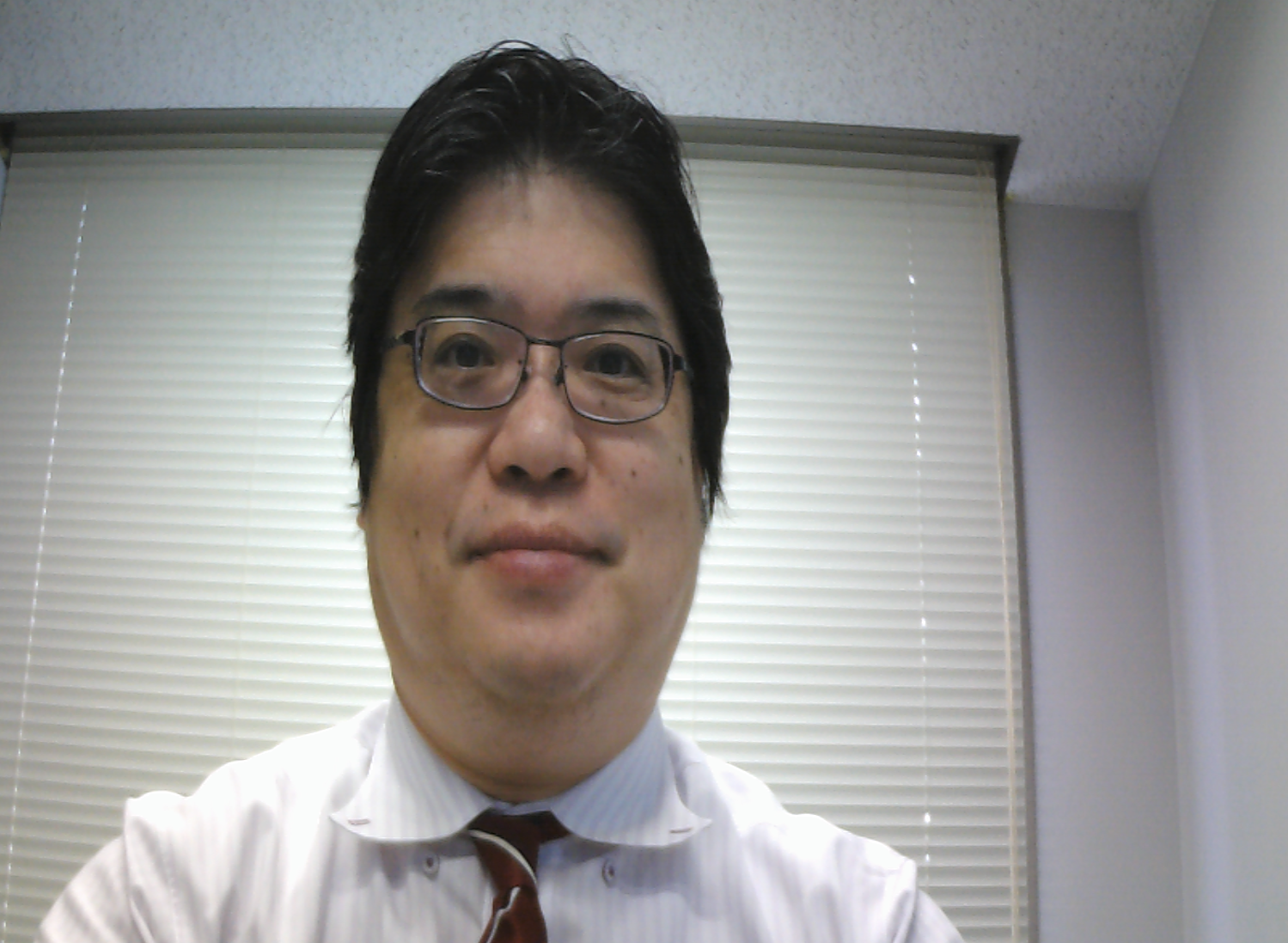
MTCNN は Multi-task CNN (参考 Web ページ: https://github.com/open-face/mtcnn, 原論文: https://kpzhang93.github.io/MTCNN_face_detection_alignment/paper/spl.pdf)
ソフトウエア等の利用条件等は,利用者で確認すること.
【サイト内の関連ページ】:
謝辞:MTCNN の考案者、そして、プログラムの作者に感謝します
MTCNN のWebページ: https://www.github.com/ipazc/mtcnn
システム Python を使うことができる(その場合,Python のインストールは行わない)
システム Python を用いるときは,pip, setuptools の更新は次のコマンドで行う.
sudo apt -y update
sudo apt -y install python3-pip python3-setuptools
Ubuntu で,システム Python 以外の Python をインストールしたい場合は pyenv が便利である: 別ページで説明している.
Python の URL: http://www.python.org/
【Python, pip の使い方】
Python, pip は,次のコマンドで起動できる.
【Python 開発環境のインストール】
JupyterLab, spyder, nteract (Python 開発環境) のインストールは, Windows でコマンドプロンプトを管理者として実行し, 次のコマンドを実行.
python -m pip install -U pip setuptools jupyterlab jupyter jupyter-console jupytext nteract_on_jupyter spyder
詳しくは,: 別ページで説明している.
JupyterLab, spyder, nteract (Python 開発環境) のインストール: : 別ページで説明している.
コマンドプロンプトを管理者として実行し,次のコマンドを実行.
python -m pip install -U numpy scikit-image opencv-python
必要であればダウンロードして使ってください.
python -m pip install -U mtcnn
現在の TensorFlow で動くようにするための変更
次のようなコマンドで,エディタを起動.
notepad c:\program files\python39\lib\site-packages\mtcnn\network\factory.py
先頭部分を次のように書き換える.
from __future__ import absolute_import, division, print_function, unicode_literals
import tensorflow.compat.v1 as tf
# tf.enable_v1_behavior()
import tensorflow.keras as keras
import os
os.environ['CUDA_VISIBLE_DEVICES'] = '0' # 0 = GPU use; -1 = CPU use
config = tf.compat.v1.ConfigProto( device_count = {'GPU': 1 , 'CPU': 3} )
sess = tf.compat.v1.Session(config=config)
tf.keras.backend.set_session(sess)
from tensorflow.keras.applications.resnet50 import ResNet50
from tensorflow.keras.preprocessing import image
from tensorflow.keras.applications.resnet50 import preprocess_input, decode_predictions
from tensorflow.keras.utils import plot_model
from tensorflow.keras.models import Model
from tensorflow.keras.layers import Dense, Dropout, GlobalAveragePooling2D, Input, Conv2D, MaxPooling2D, PReLU, Flatten, Softmax
import numpy as np
https://github.com/ipazc/mtcnn で公開されているプログラムを変更して使用
import cv2
import numpy as np
from mtcnn.mtcnn import MTCNN
img = cv2.imread("c:/image/126.png")
detector = MTCNN()
print(detector.detect_faces(img))
img = cv2.imread("c:/image/127.png")
detector = MTCNN()
print(detector.detect_faces(img))
顔検出と、5点(左目、右目、鼻、口の左、口の右)の検出結果が表示されるので確認する
これは,顔検出は行っていない. 画像の上に矩形(四角形)を書き,情報を表示する関数 box_label をテスト実行するもの.
import cv2
import numpy as np
bgr = cv2.imread("c:/image/127.png")
def box_label(bgr, x1, y1, x2, y2, label):
    cv2.rectangle(bgr, (x1, y1), (x2, y2), (255, 0, 0), 1, 1)
    cv2.rectangle(bgr, (int(x1), int(y1-25)), (x2, y1), (255,255,255), -1)
    cv2.putText(bgr, label, (x1, int(y1-5)), cv2.FONT_HERSHEY_COMPLEX, 0.7, (0,0,0), 1)
box_label(bgr, 100, 300, 200, 400, "hello")
cv2.imshow('', bgr)
cv2.waitKey(0)
cv2.destroyAllWindows()
画像が表示されるので確認. このあと,ウインドウの右上の「x」をクリックしない.画面の中をクリックしてから,何かのキーを押して閉じる
import cv2
import numpy as np
from mtcnn.mtcnn import MTCNN
def box_label(bgr, x1, y1, x2, y2, label):
    cv2.rectangle(bgr, (x1, y1), (x2, y2), (255, 0, 0), 1, 1)
    cv2.rectangle(bgr, (int(x1), int(y1-25)), (x2, y1), (255,255,255), -1)
    cv2.putText(bgr, label, (x1, int(y1-5)), cv2.FONT_HERSHEY_COMPLEX, 0.7, (0,0,0), 1)
bgr = cv2.imread("c:/image/127.png")
detector = MTCNN()
a1 = detector.detect_faces(bgr)
for i, d in enumerate(a1):
    x1, y1 = tuple( d['box'][0:2] )
    x2, y2 = tuple( np.array( d['box'][0:2] ) + np.array( d['box'][2:4] ) )
    box_label(bgr, x1, y1, x2, y2, '{:0.2f}'.format(d['confidence']))
    left_eye = d['keypoints']['left_eye']
    if len(left_eye) == 2:
        cv2.circle(bgr, left_eye, 6, (255,255,255), -1)
    right_eye = d['keypoints']['right_eye']
    if len(right_eye) == 2:
        cv2.circle(bgr, right_eye, 6, (255,255,255), -1)
    nose = d['keypoints']['nose']
    if len(nose) == 2:
        cv2.circle(bgr, nose, 6, (255,255,255), -1)
    mouth_left = d['keypoints']['mouth_left']
    if len(mouth_left) == 2:
        cv2.circle(bgr, mouth_left, 6, (255,255,255), -1)
    mouth_right = d['keypoints']['mouth_right']
    if len(mouth_right) == 2:
        cv2.circle(bgr, mouth_right, 6, (255,255,255), -1)
cv2.imshow('', bgr)
cv2.waitKey(0)
cv2.destroyAllWindows()
画像が表示されるので確認. このあと,ウインドウの右上の「x」をクリックしない.画面の中をクリックしてから,何かのキーを押して閉じる
「c:/image/sample1.mp4」のところは、実際のファイル名に置き換えること
import cv2
import numpy as np
from mtcnn.mtcnn import MTCNN
def box_label(bgr, x1, y1, x2, y2, label):
    cv2.rectangle(bgr, (x1, y1), (x2, y2), (255, 0, 0), 1, 1)
    cv2.rectangle(bgr, (int(x1), int(y1-25)), (x2, y1), (255,255,255), -1)
    cv2.putText(bgr, label, (x1, int(y1-5)), cv2.FONT_HERSHEY_COMPLEX, 0.7, (0,0,0), 1)
detector = MTCNN()
v = cv2.VideoCapture("c:/image/sample1.mp4")

while(v.isOpened()):
    r, bgr = v.read()
    if ( r == False ):
        break
    a1 = detector.detect_faces(bgr)
    for i, d in enumerate(a1):
        x1, y1 = tuple( d['box'][0:2] )
        x2, y2 = tuple( np.array( d['box'][0:2] ) + np.array( d['box'][2:4] ) )
        box_label(bgr, x1, y1, x2, y2, '{:0.2f}'.format(d['confidence']))
        left_eye = d['keypoints']['left_eye']
        if len(left_eye) == 2:
            cv2.circle(bgr, left_eye, 6, (255,255,255), -1)
        right_eye = d['keypoints']['right_eye']
        if len(right_eye) == 2:
            cv2.circle(bgr, right_eye, 6, (255,255,255), -1)
        nose = d['keypoints']['nose']
        if len(nose) == 2:
            cv2.circle(bgr, nose, 6, (255,255,255), -1)
        mouth_left = d['keypoints']['mouth_left']
        if len(mouth_left) == 2:
            cv2.circle(bgr, mouth_left, 6, (255,255,255), -1)
        mouth_right = d['keypoints']['mouth_right']
        if len(mouth_right) == 2:
            cv2.circle(bgr, mouth_right, 6, (255,255,255), -1)
    cv2.imshow("", bgr)
    if cv2.waitKey(1) & 0xFF == ord('q'):
        cv2.destroyAllWindows()
        break
※ 途中で止めたいとき,右上の「x」をクリックしない.画面の中をクリックしてから,「q」のキーを押して閉じる
「v = cv2.VideoCapture(0) 」は、USB カメラを使うためのもの。他の部分は、上のプログラムと同じ。
import cv2
import numpy as np
from mtcnn.mtcnn import MTCNN
def box_label(bgr, x1, y1, x2, y2, label):
    cv2.rectangle(bgr, (x1, y1), (x2, y2), (255, 0, 0), 1, 1)
    cv2.rectangle(bgr, (int(x1), int(y1-25)), (x2, y1), (255,255,255), -1)
    cv2.putText(bgr, label, (x1, int(y1-5)), cv2.FONT_HERSHEY_COMPLEX, 0.7, (0,0,0), 1)
detector = MTCNN()
v = cv2.VideoCapture(0)

while(v.isOpened()):
    r, bgr = v.read()
    if ( r == False ):
        break
    a1 = detector.detect_faces(bgr)
    for i, d in enumerate(a1):
        x1, y1 = tuple( d['box'][0:2] )
        x2, y2 = tuple( np.array( d['box'][0:2] ) + np.array( d['box'][2:4] ) )
        box_label(bgr, x1, y1, x2, y2, '{:0.2f}'.format(d['confidence']))
        left_eye = d['keypoints']['left_eye']
        if len(left_eye) == 2:
            cv2.circle(bgr, left_eye, 6, (255,255,255), -1)
        right_eye = d['keypoints']['right_eye']
        if len(right_eye) == 2:
            cv2.circle(bgr, right_eye, 6, (255,255,255), -1)
        nose = d['keypoints']['nose']
        if len(nose) == 2:
            cv2.circle(bgr, nose, 6, (255,255,255), -1)
        mouth_left = d['keypoints']['mouth_left']
        if len(mouth_left) == 2:
            cv2.circle(bgr, mouth_left, 6, (255,255,255), -1)
        mouth_right = d['keypoints']['mouth_right']
        if len(mouth_right) == 2:
            cv2.circle(bgr, mouth_right, 6, (255,255,255), -1)
    cv2.imshow("", bgr)
    if cv2.waitKey(1) & 0xFF == ord('q'):
        cv2.destroyAllWindows()
        break
※ 途中で止めたいとき,右上の「x」をクリックしない.画面の中をクリックしてから,「q」のキーを押して閉じる
本サイトは金子邦彦研究室のWebページである.
資料等の公開では,原則,「クリエイティブコモンズ BY NC SA」として公開するようにしている. PDFファイル,パワーポイントファイルなどには, 「クリエイティブコモンズ BY NC SA」を明記するとともに,ロゴを記載するようにしている(作業が間に合っていない分もあるのでご容赦ください).
公開している資料をご利用になる場合の,再配布の条件,剽窃の防止などについて,別ページで説明している. 再配布や資料改変の際には,そのページをご確認ください.
サイトマップは,サイトマップのページをご覧下さい. 本サイト内の検索は,サイト内検索のページをご利用下さい.
問い合わせ先: 金子邦彦(かねこ くにひこ) ![[image]](../../info/kanekomail.png)
![[image]](../../info/logo_png.png)